When it comes to powerful data collection, FormAssembly offers far more than meets the eye. In a session from our annual virtual user conference, FormFest 2025, our team spotlighted some of the platform’s most underutilized – but incredibly impactful – features. These “hidden gems” can help users take their forms, workflows, and data insights to the next level.
Read on for a look at the key features we covered, or watch the clip from FormFest below.
Why These Features Matter
Every organization has different goals, but many share similar challenges: collecting accurate data, improving workflows, and reducing time spent on manual tasks. While many users are familiar with FormAssembly’s basics, there’s a suite of more advanced tools that can drastically improve how you collect and manage data.
In the FormFest session, the presenters focused on three key tools:
- Salesforce Import Tool
- Dynamic Picklist Pairing
- Data Transformation
Each of these features helps unlock more intelligent, personalized, and secure form experiences.
Hidden Gem #1: Salesforce Import Tool
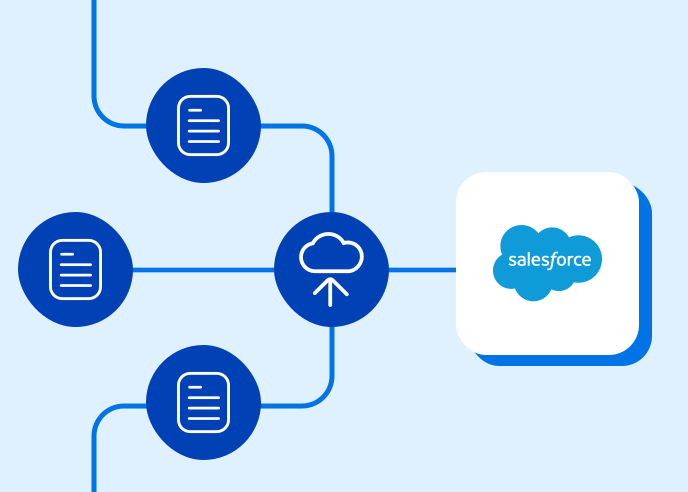
If you’ve ever manually built a Salesforce-connected form, you know the process can be time-consuming. The Salesforce Import Tool changes that.
With just a few clicks, you can auto-generate a form based on your Salesforce objects and fields, complete with connector mappings. It’s a huge time-saver for anyone looking to scale their Salesforce-integrated forms.
Pro Tip: If you don’t see the fields or objects you expect during setup, double-check your Salesforce permissions. FormAssembly honors your Salesforce access settings, so limited permissions may restrict what’s available during import.
Hidden Gem #2: Dynamic Picklist Pairing
Want your forms to respond to user input in real time? Dynamic picklist pairing makes it possible. This feature allows your form fields to display filtered choices based on data from Salesforce or prior selections in the form.
This is ideal for scenarios where you want to display only the most relevant options; for example, filtering available programs by location or department.
Use Case: Say you’re building an application form where users need to choose a service category. Based on their choice, a second dropdown can automatically update to show specific services within that category. Smart, right?
Hidden Gem #3: Data Transformation
The data transformation feature lets you process, anonymize, or reformat data as it’s collected. That means you can remove identifying information, change values to match system requirements, or adjust inputs on the fly all before the data ever hits your destination system.
Why This Matters: This is especially valuable for organizations that deal with sensitive data or need to meet compliance standards like HIPAA or GDPR.
Smarter Forms, Stronger Workflows
The beauty of FormAssembly is in its flexibility, but flexibility doesn’t just mean a blank slate. It also means powerful tools working behind the scenes to help you automate, personalize, and protect the data you collect.
Whether you’re trying to speed up form creation, enhance user experience, or improve data quality, these hidden features are ready to help you do more with less effort.