FormFest 2026 showcases the capabilities that help organizations modernize data collection, automate workflows, and improve CRM data quality.
Whether you’re a current customer or evaluating FormAssembly for the first time, these twelve features demonstrate how leveraging structured data and workflow automation can lead to scalable intelligence.
1. Fai (AI-Powered Form Building)
Fai accelerates form creation using intelligent prompts. Instead of manually configuring every field and rule, you can generate structured forms and workflows in seconds.
This reduces build time while maintaining control over logic, compliance, and data structure, making it easier to scale standardized processes across teams.
2. File-to-Web Form Conversion
Many organizations still rely on PDFs and paper-based data intake. File-to-Web Form capabilities allow you to convert static documents into dynamic, digital forms quickly.
Rather than redesigning processes from scratch, you can modernize existing workflows and eliminate manual transcription errors immediately.
3. Salesforce Connector
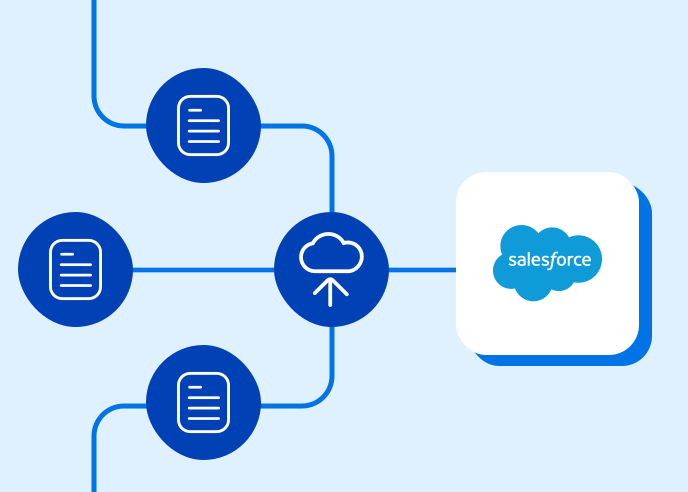
FormAssembly’s updated Salesforce Connector enables secure, direct syncing between your forms and Salesforce.
With advanced logic and conditional processing, you can:
- Prevent duplicate records
- Update or create records intelligently
- Control how and when data enters your CRM
This protects reporting accuracy and reduces post-submission cleanup.
4. HubSpot Connector
For teams managing marketing and sales pipelines in HubSpot, the HubSpot Connector ensures that form submissions translate into clean, actionable CRM records.
Automated matching logic helps maintain database hygiene, so your campaigns and reporting remain reliable.
5. Advanced Integration Logic (Preconditions & Dependencies)
Modern workflows require conditional intelligence.
Preconditions and dependencies allow integrations to react dynamically based on submission data. For example, certain records can be created only if specific criteria are met, or routing can change based on applicant type.
This creates smarter, more efficient automation without custom code.
6. Workflow Automation
Forms are only the first step.
Workflow automation allows you to convert a submission into a structured, multi-step process that can include approvals, notifications, document generation, and integrations.
Instead of managing follow-up manually, your processes move forward automatically.
7. Webhook Connections
Webhooks extend your integration ecosystem beyond native connectors.
You can send real-time data to EHR systems, financial platforms, custom applications, or other enterprise tools. This ensures your form data doesn’t live in isolation, but rather, becomes part of your broader operational infrastructure.
8. Payment Processors
Payment collection can be fully embedded within your workflow.
With updated payment processors, like Stripe, organizations can securely collect fees, donations, or registrations while simultaneously triggering receipts, confirmations, and CRM updates.
This closes the loop between transaction and documentation.
9. Automated Document Generation
Manual receipt creation and contract drafting slow teams down.
Document generation automatically produces branded receipts, agreements, application summaries, or confirmation documents based on submission data.
This increases professionalism, reduces administrative burden, and ensures consistent communication.
10. Multi-Signer E-Signature
Complex approval processes often involve multiple stakeholders.
Multi-signer e-signature capabilities allow you to route documents sequentially or conditionally, collect signatures securely, and store finalized files automatically.
This centralizes contract and agreement workflows inside a structured system.
11. Accessibility & Compliance Infrastructure
Modern data collection must meet accessibility and security standards.
FormAssembly supports regulated and public sector environments by aligning with accessibility guidelines and secure cloud infrastructure requirements. This allows organizations to modernize without compromising compliance.
12. Workflow Monitoring & Error Resolution
Automation requires visibility. Workflow monitoring tools allow teams to:
- Search submissions
- Identify stalled processes
- Reprocess errors
- Maintain operational continuity
Instead of troubleshooting blindly, administrators gain structured oversight and control.
Why These Workflow Automation Features Matter
Individually, these features improve efficiency. Together, they enable organizations to:
- Reduce manual effort
- Improve CRM data quality
- Accelerate service delivery
- Increase compliance confidence
- Scale digital processes intentionally
FormFest 2026 demonstrates how these capabilities work together in real-world environments.
Register for FormFest 2026
See these workflow automation features in action, learn from customer success stories, and explore how to modernize your data collection strategy during FormFest 2026.