A youth program registration is a family registration. One parent signs up two children for different sessions, adds emergency contacts, accepts a waiver, and pays a deposit. Program directors who design the form around a single registrant spend the season fixing records by hand. A form built around the household handles the real structure of the work.
Who the Form Has to Represent
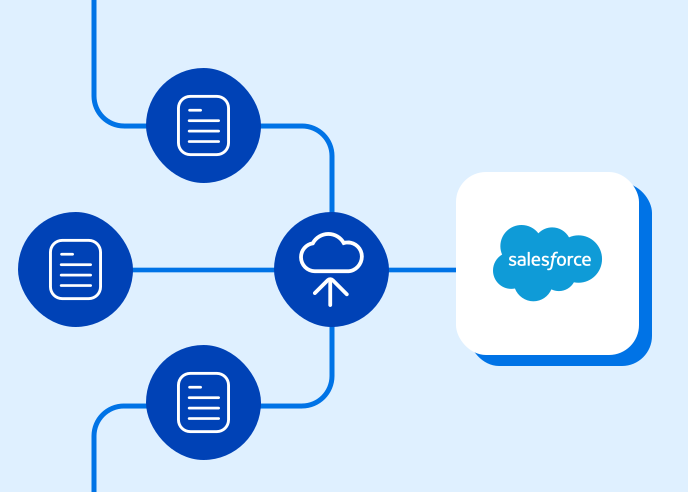
The form collects data about at least three groups of people: the guardian who registers and pays, each child who attends, and the contacts who may pick up a child or respond in an emergency. Each child needs a session, an age or grade, and any dietary or medical notes the program requires. Repeatable sections let a family add one child at a time, and each entry creates its own record in Salesforce, linked to the household.
Sessions and Eligibility
Programs offer different sessions to different children. Age groups, grade ranges, and capacity limits decide who can join which session. Conditional logic reads the child’s age or grade and shows the sessions that fit, which removes the staff work of moving misplaced registrations.
Waivers and Permissions
Waivers, photo permissions, and medical authorizations need a signature. The federal ESIGN Act established that a signature or contract cannot be denied legal effect because it is electronic, so programs can collect these signatures online. E-signature collection inside the registration keeps each signed waiver attached to the child’s record. Programs should collect the medical details they need to run the session, because every extra field becomes data to protect.
Returning Families
Returning families should not retype what the program knows. Prefill in the Salesforce Workflow Connector can retrieve the contacts tied to an account and fill them into a repeatable section, as FormAssembly describes in its guide to prefill in the Salesforce Workflow Connector. A parent opens a personalized link, confirms the children listed, and adds a session.
Where FormAssembly Fits
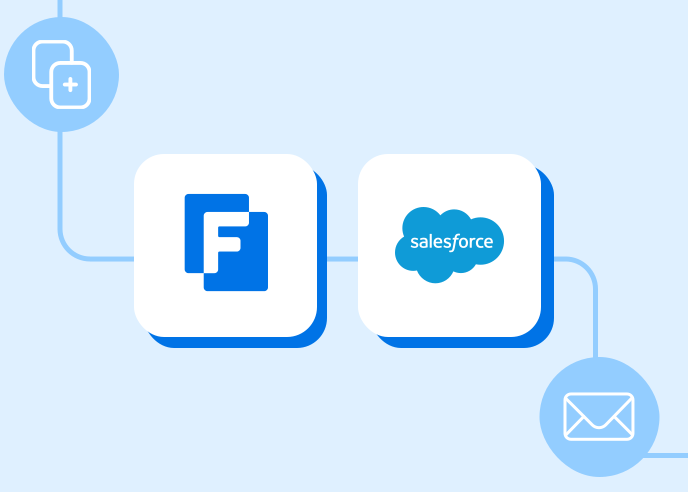
FormAssembly combines these pieces in one registration: repeatable child sections, session logic, e-signature waivers, and payments through its payment integrations. Forms connect directly to Salesforce, so a returning family sees its own data and a new registration updates the existing household instead of creating a duplicate. Program directors in nonprofit and higher education organizations get a roster, a waiver record, and a payment record for each child without a spreadsheet in the middle.
Explore FormAssembly’s capabilities for yourself
Book a personalized demo or request a free trial today.