Experience Cloud portals put forms in front of customers, partners, students, and members who often do not have a Salesforce license. That constraint rules out some approaches immediately and shapes every other decision in the comparison: whether a form option can create and update Salesforce records for a person who is not logged in as a licensed user.
Native Experience Cloud Components
Salesforce’s own Experience Cloud components, including standard record forms and Flow screens embedded in a page, work well for straightforward, single-object interactions where the portal user already has an authenticated community login. They get harder to justify for multi-step applications spanning several objects, for anonymous or pre-authentication forms, or for scenarios that need file upload alongside conditional logic, where the build shifts toward custom Lightning Web Components and real development effort.
Connected Form Platforms Embedded in the Portal
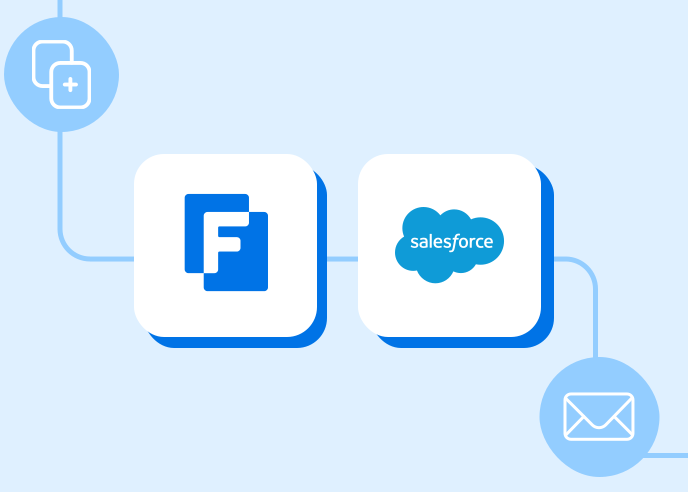
Embedding a platform like FormAssembly inside an Experience Cloud page gives portal builders a form that writes to Salesforce without requiring the person filling it out to hold a Salesforce license or even a portal login at all. That distinction matters most for use cases like public event registration through a partner portal, or a financial services application form that needs to reach a prospect before they become an authenticated customer.
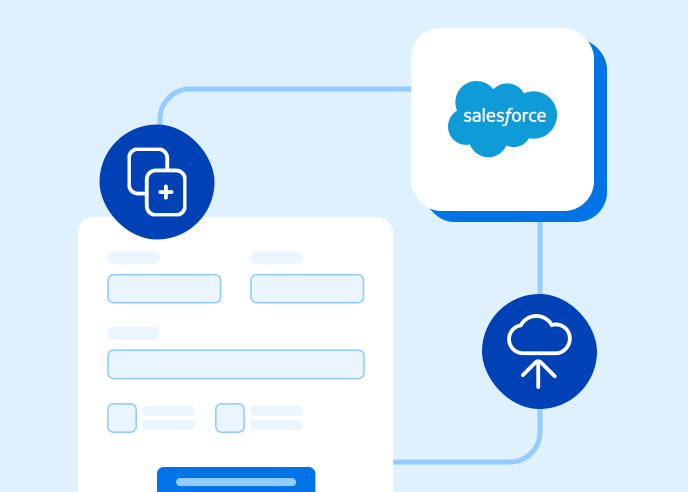
The specific capability portal teams ask about most is prefill: populating a form with data already in the person’s existing Salesforce record, then writing any updates back to that same record on submission, without the person needing to log in at all. That anonymous update path is what separates a connected form platform from a native, authentication-dependent Experience Cloud form.
Document-Centric Portal Tools
Some organizations lean on document generation and e-signature platforms like Conga or DocuSign to handle portal-facing agreements, contracts, and consent forms rather than structured data forms. Those tools solve a different problem than a data collection form: they are built around producing and signing a document, not around structured field-level data flowing into Salesforce objects. Portal teams evaluating both usually end up running document tools alongside a form platform rather than choosing one over the other.
Where FormAssembly Fits
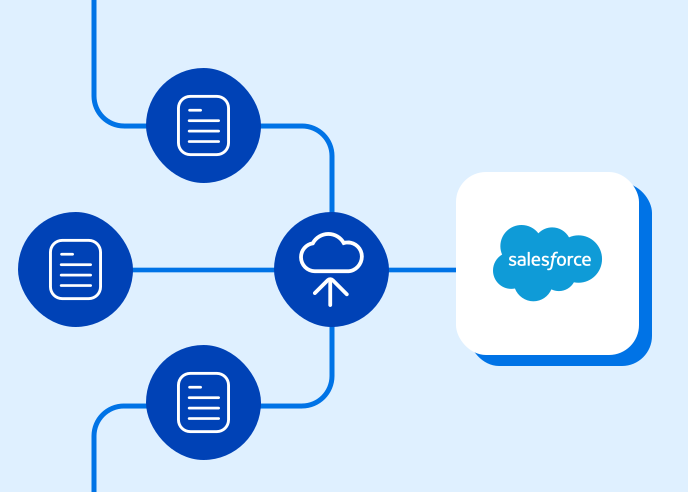
FormAssembly forms embedded in an Experience Cloud portal collect from anyone – licensed user or anonymous visitor – and write directly to the related Salesforce record. Combined with document generation, e-signature, and document upload features, that covers the structured data and supporting documentation a portal application typically needs in one embedded form, without a separate authentication requirement for the person submitting it.