Conditional pricing forms calculate the amount a respondent owes from the respondent’s answers, so the respondent pays the right amount without a manual invoice. At FormAssembly, our formula engine uses Excel-like functions such as @IF, @COMPUTE, @MAX, @MIN, and @ROUND, and a payment connector takes the calculated amount to the processor.
Conditional pricing covers tiered tickets, early-bird discounts, member rates, add-ons, fees, and taxes. A payment form that calculates the amount does more than collect money, because the form applies the pricing rules of the organization.
Key Takeaways
- Conditional pricing forms set the payment amount from answers earlier in the form.
- Our formula engine uses Excel-like functions such as @IF, @COMPUTE, @MAX, @MIN, and @ROUND, and the engine is available on Professional, Premier, and Enterprise plans.
- Our Stripe connector requires an item name, a unit price, and a quantity for a one-time charge, and the price and quantity can come from the form.
- Four problems recur in conditional pricing forms: rounding differences, missed edge cases, mismatched plan IDs, and tests that use simple cases.
- A test plan with a table of inputs and expected amounts checks every pricing rule before a real payment reaches the processor.
What Conditional Pricing Looks Like in Forms
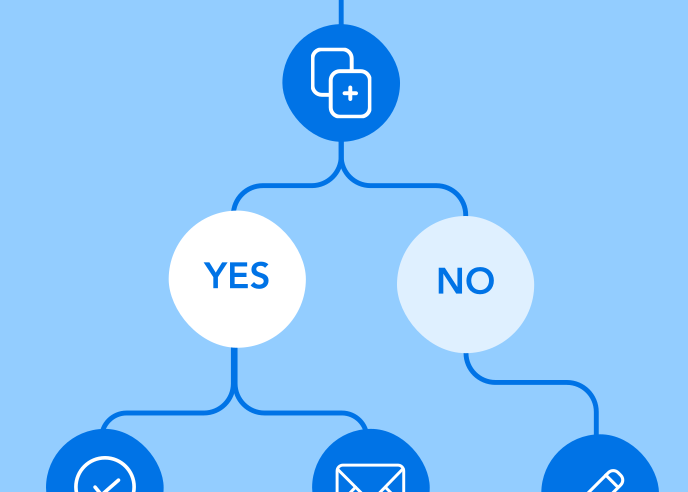
Conditional pricing in forms means the amount depends on answers earlier in the form. Common examples include the following:
- An event form charges one price for members and another for non-members.
- A camp form adds a fee for each additional child and a discount after the second.
- A donation form adds a processing fee if the donor chooses to cover it.
- A course form charges a higher fee after a deadline.
Formulas Calculate the Price in Conditional Pricing Forms
Our formula engine does the math in a conditional pricing form with Excel-like functions such as @IF, @COMPUTE, @MAX, @MIN, and @ROUND. The formula engine is available on Professional, Premier, and Enterprise plans. With formulas, a form can perform these calculations:
- A form can add up line items.
- A form can apply a discount when a condition is true.
- A form can set a floor or a cap on an amount.
- A form can round to cents.
The result appears in a calculated field that the respondent sees before paying.
Payment Connectors Collect the Calculated Amount
A payment connector takes the calculated amount from a conditional pricing form to the payment processor. Our connectors handle the amount in these ways:
- Our Stripe connector requires an item name, a unit price, and a quantity for a one-time charge, and the price and quantity can come from the form.
- The Stripe connector supports recurring payments through Stripe subscriptions, with a plan ID, a plan quantity, and optional coupons and tax percentages.
- For forms that accept both Stripe and PayPal, our guide to calculated quantities shows a two-field setup.
- In the two-field setup, one calculated field returns the quantity when the respondent picks Stripe and zero for any other choice, and a second field does the same for PayPal.
- The connector the respondent chooses processes the payment.
Where Teams Make Mistakes With Conditional Pricing Forms
Four problems recur in conditional pricing forms:
- Rounding. Rounding differences between the form and the processor cause amounts that do not match.
- Edge cases. A condition covers most cases and misses an edge case, such as a discount that applies on the exact deadline date.
- Plan IDs. A plan ID in the connector does not match the plan in the processor, and the identifiers must match, including capitalization.
- Simple tests. Teams test in test mode with simple cases, so a real card with a discount code is the first time anyone checks the full path.
A Test Plan for Conditional Pricing Forms
A test plan is the remedy for errors in conditional pricing forms. The test plan has three steps:
- List every pricing rule.
- Build a table of inputs and expected amounts, and run each row through the form.
- Check the amount the respondent sees, the amount the processor receives, and the record that lands in the CRM.
Where FormAssembly Fits
At FormAssembly, we put conditional logic, formulas, and payment connectors in one form, so the pricing rules live next to the questions that drive them. Our platform supports conditional pricing in these ways:
- Our connectors work with Stripe, PayPal, Authorize.net, CyberSource, iATS, FreshBooks, and Chargent.
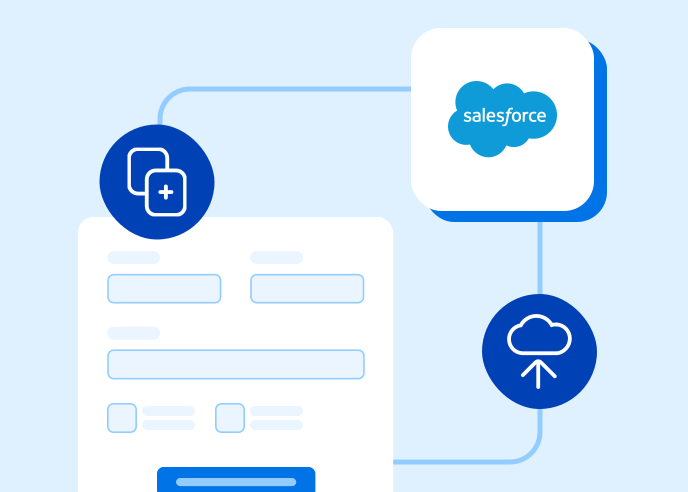
- Our forms connect directly to Salesforce, so the payment record sits with the contact.
- Our payment integrations and conditional logic feature pages describe each part of the pricing path.
- Higher education and nonprofit teams use our forms to price events, programs, and gifts.
Frequently Asked Questions
Can a form calculate a price before payment?
A form can calculate a price before payment with formulas. Our formula engine adds up line items, applies a discount when a condition is true, sets a floor or a cap, and rounds to cents. The result appears in a calculated field that the respondent sees before paying.
Which FormAssembly plans include the formula engine?
Our formula engine is available on Professional, Premier, and Enterprise plans. The formula engine uses Excel-like functions such as @IF, @COMPUTE, @MAX, @MIN, and @ROUND.
Can one form accept both Stripe and PayPal with a calculated amount?
One of our forms can accept both Stripe and PayPal with calculated quantities. One calculated field returns the quantity when the respondent picks Stripe and zero for any other choice, a second field does the same for PayPal, and the chosen connector processes the payment.
What should teams test in a conditional pricing form?
Teams should test every pricing rule in a conditional pricing form with a table of inputs and expected amounts. For each row, teams should check the amount the respondent sees, the amount the processor receives, and the record that lands in the CRM. The table should include edge cases, such as a discount on the exact deadline date.
Want to see FormAssembly in action?
Book a personalized demo or request a free trial of the platform today.