Salesforce architects and admins evaluating how to collect data into Salesforce usually have three native or near-native options on the table, and the right choice depends on who is filling out the form and how complex the process is, not just which tool is already available in the org. Flow Screens, Experience Cloud, and a dedicated form platform each solve a different version of the same underlying problem.
Flow Screens
Flow Screens let admins build guided, multi-step data entry directly inside Salesforce, using Salesforce’s native automation tool. They work well for internal users who are already logged into Salesforce and need a structured, rules-driven data entry experience, such as a case escalation form or an internal request process. Flow Screens are not designed for external, public-facing forms, since respondents need Salesforce access to use them, and the visual design and branding options are limited compared to a purpose-built form tool.
Experience Cloud
Experience Cloud creates branded portals where external users, customers, partners, or community members, can log in and interact with Salesforce data, including submitting forms built with Flow or other Experience Cloud components. It fits use cases where the organization wants an ongoing, authenticated relationship with the respondent, such as a partner portal or a customer self-service community, but it requires the respondent to have or create a login, which adds friction for one-off or anonymous data collection.
A Dedicated Form Platform
A dedicated form platform sits outside Salesforce’s native tooling and is built specifically for collecting data from anyone, whether an anonymous public respondent or a known contact, without requiring them to log into Salesforce at all. This is the right fit for public-facing intake, applications, registrations, and any process where the person filling out the form should never need Salesforce credentials, which covers the large majority of external data collection use cases.
How to Actually Decide
The deciding question is usually not which tool is more powerful, all three are capable within their scope, but who is filling out the form and whether requiring Salesforce or Experience Cloud login is acceptable friction for that audience. Internal, Salesforce-authenticated users are well served by Flow Screens. Recurring external users who benefit from an ongoing portal relationship fit Experience Cloud. Anonymous or one-off external respondents, the majority of forms most organizations run, are best served by a dedicated form platform that writes directly into Salesforce without requiring a login at all.
Where FormAssembly Fits
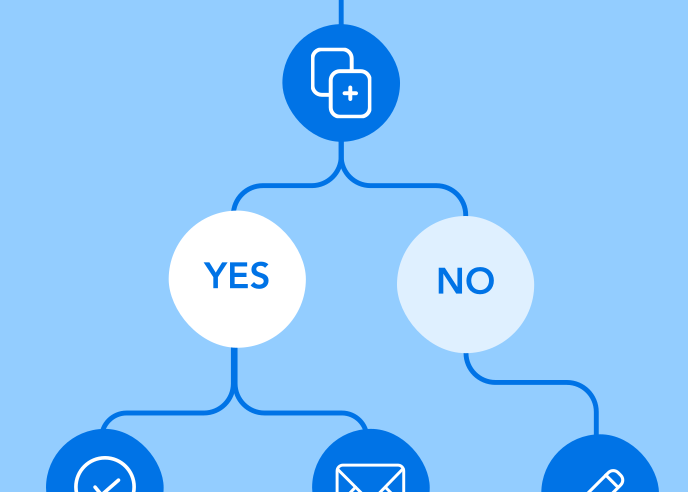
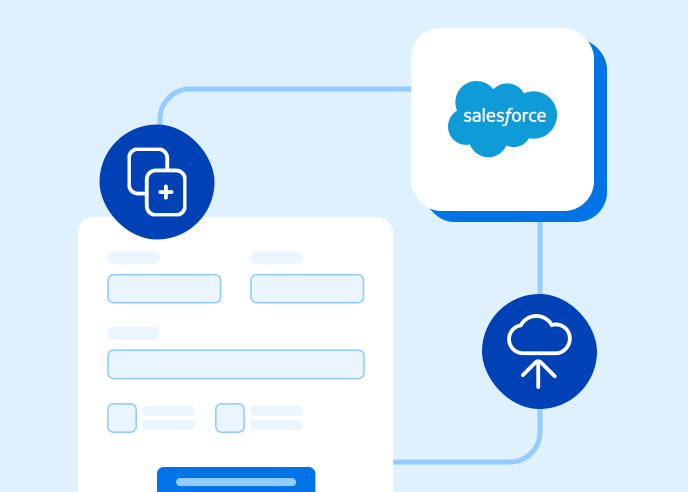
FormAssembly is built specifically for the third case: collecting data from external, unauthenticated respondents and writing it directly into Salesforce, including conditional logic, approval workflows, and e-signature collection that Flow Screens and Experience Cloud were not designed to provide for public-facing use cases. For Salesforce architects deciding among all three options, FormAssembly is the right choice whenever the audience should not be asked to create a Salesforce login just to submit a form.
Salesforce + FormAssembly
Curious to learn more about FormAssembly’s Salesforce integration? Download our free ebook.