Few things are more satisfying than a form that just works. One of those moments? When you select an option in a dropdown, and the next field automatically updates to show only the relevant choices. That’s exactly what paired dynamic picklists in FormAssembly are designed to do.
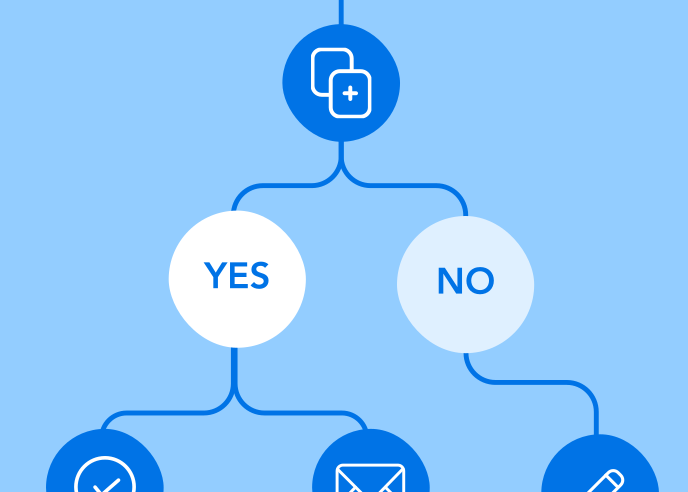
Let’s say you’re building a sentiment collection form. You want your respondents to first choose a product category and then, based on that selection, see a second dropdown with only the products in that category. Simple for the user, smarter for your data.
Here’s a real-world example:
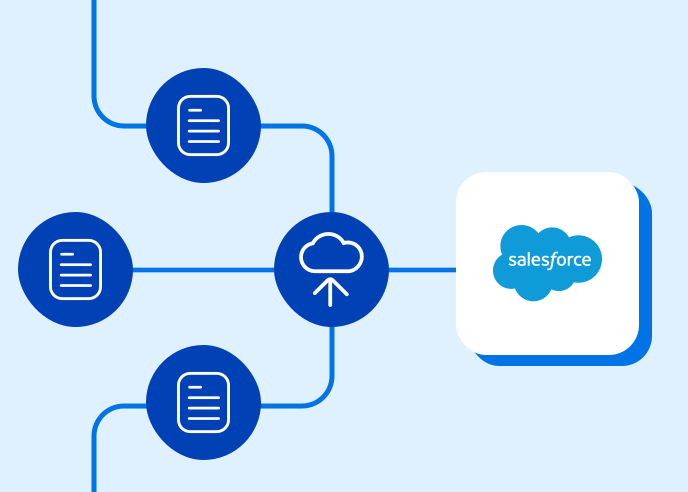
Our knowledge team uses paired picklists to gather internal product feedback more efficiently. Because FormAssembly is always evolving, the list of features available for feedback also changes regularly. That can make consistent reporting in Salesforce a challenge.
To solve this, we created a custom “Product” object in Salesforce, linked as a lookup field on sentiment records. This setup makes it easy to keep feedback organized, even as the product list changes. If a product is updated or a feature request is resolved, we can quickly trace and update associated sentiment data.
It’s a streamlined way to collect precise, contextual insights, and another example of how FormAssembly helps turn data into action!
Watch this clip from our annual virtual user conference, FormFest 2025, to hear more about paired dynamic picklists directly from our team.