AI is becoming a core part of how teams build forms, automate workflows, and improve data quality. But the strength of any AI-assisted workflow starts with a single factor: the clarity of the prompt.
When prompts are specific, structured, and intentional, AI can generate form layouts, apply logic, map data, and set up integrations with surprising accuracy. When prompts are vague, teams end up with more guesswork and more cleanup than before.
Luckily, high-quality prompting is a skill anyone can learn. Let’s take a look at how it’s done.
What Makes a Strong Prompt?
A great prompt includes three components:
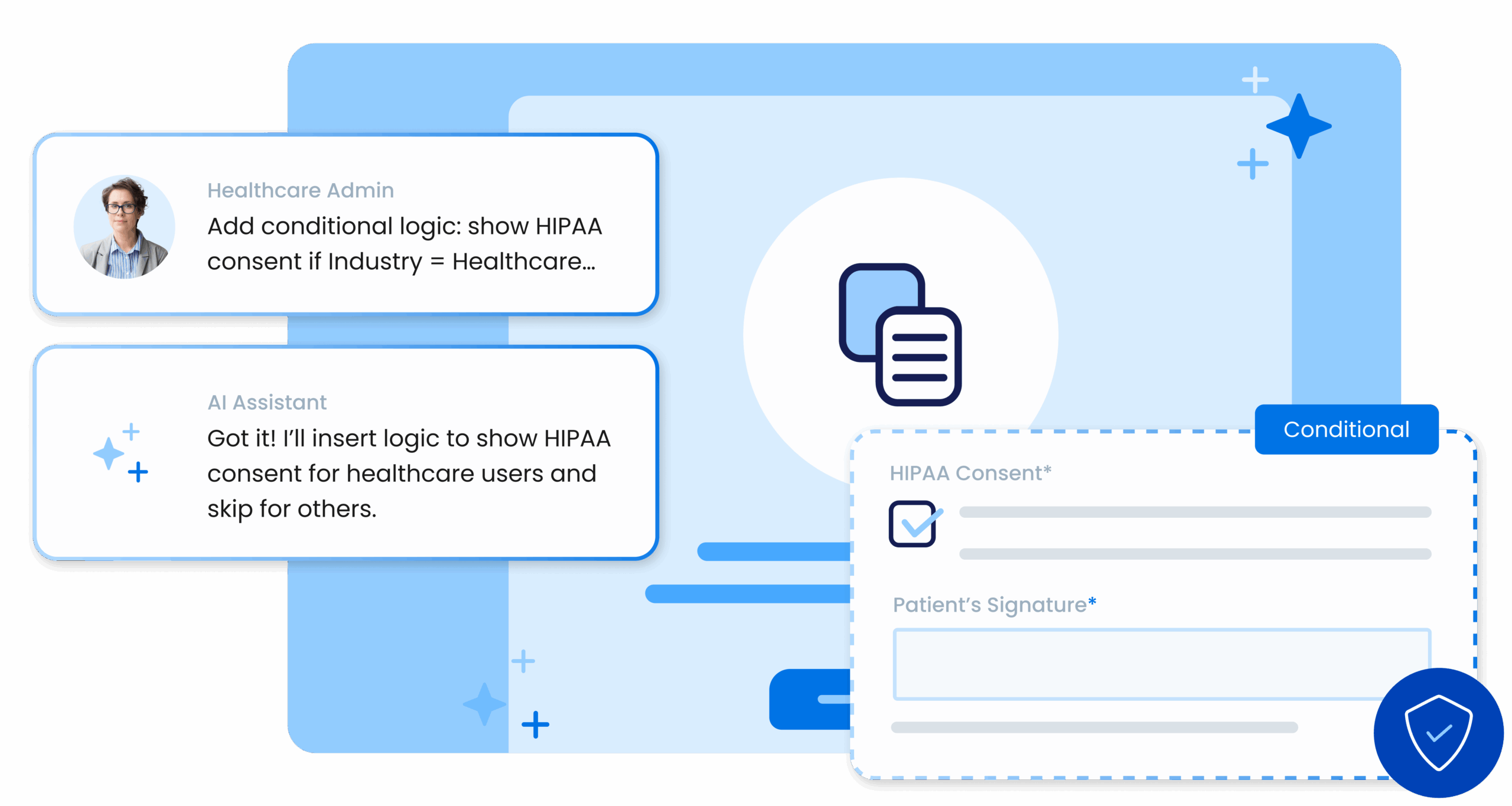
- Action: A direct, specific instruction. Examples: “Create a three-page application form,” “Add conditional logic,” “Map fields for Salesforce.”
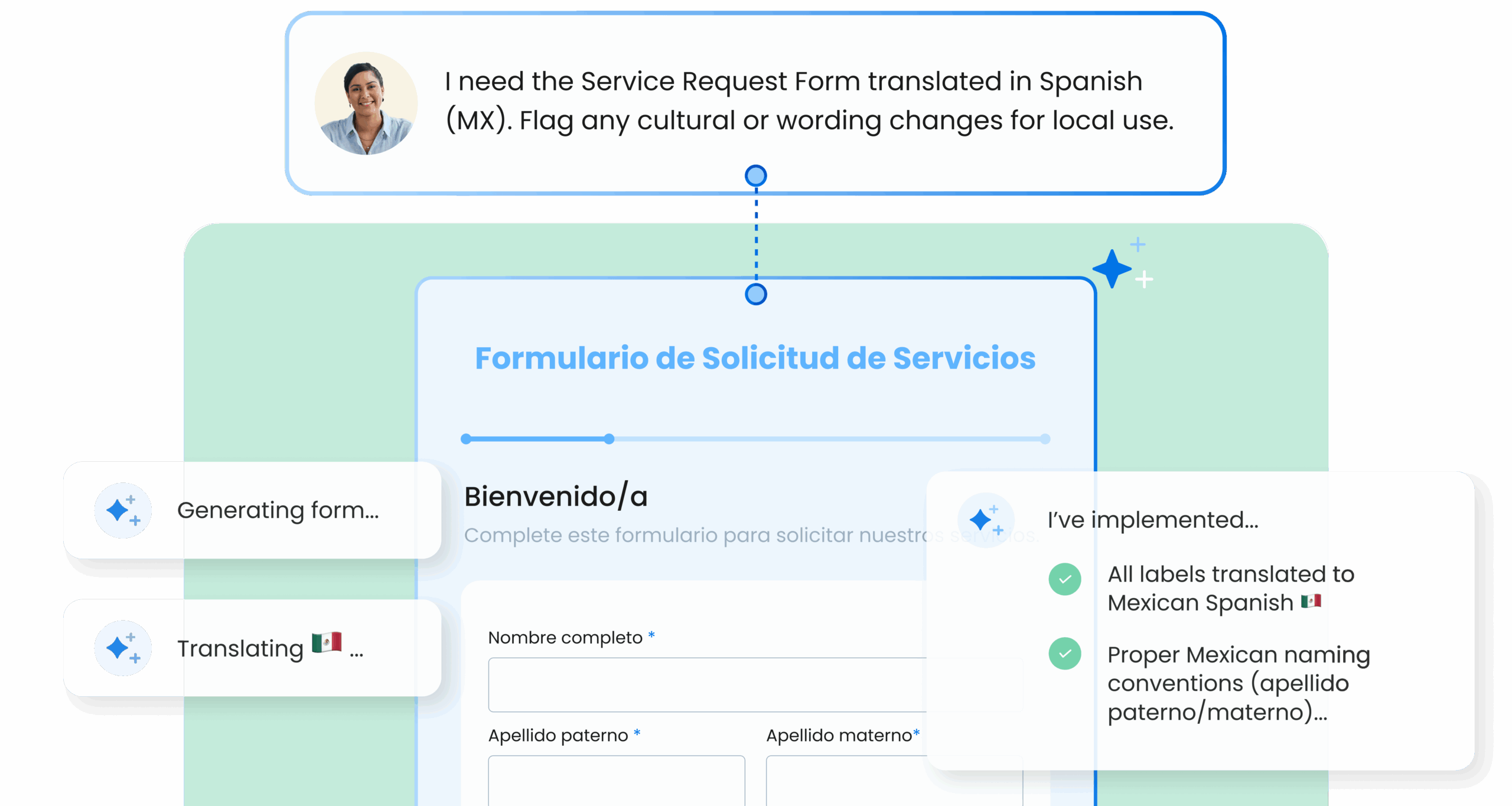
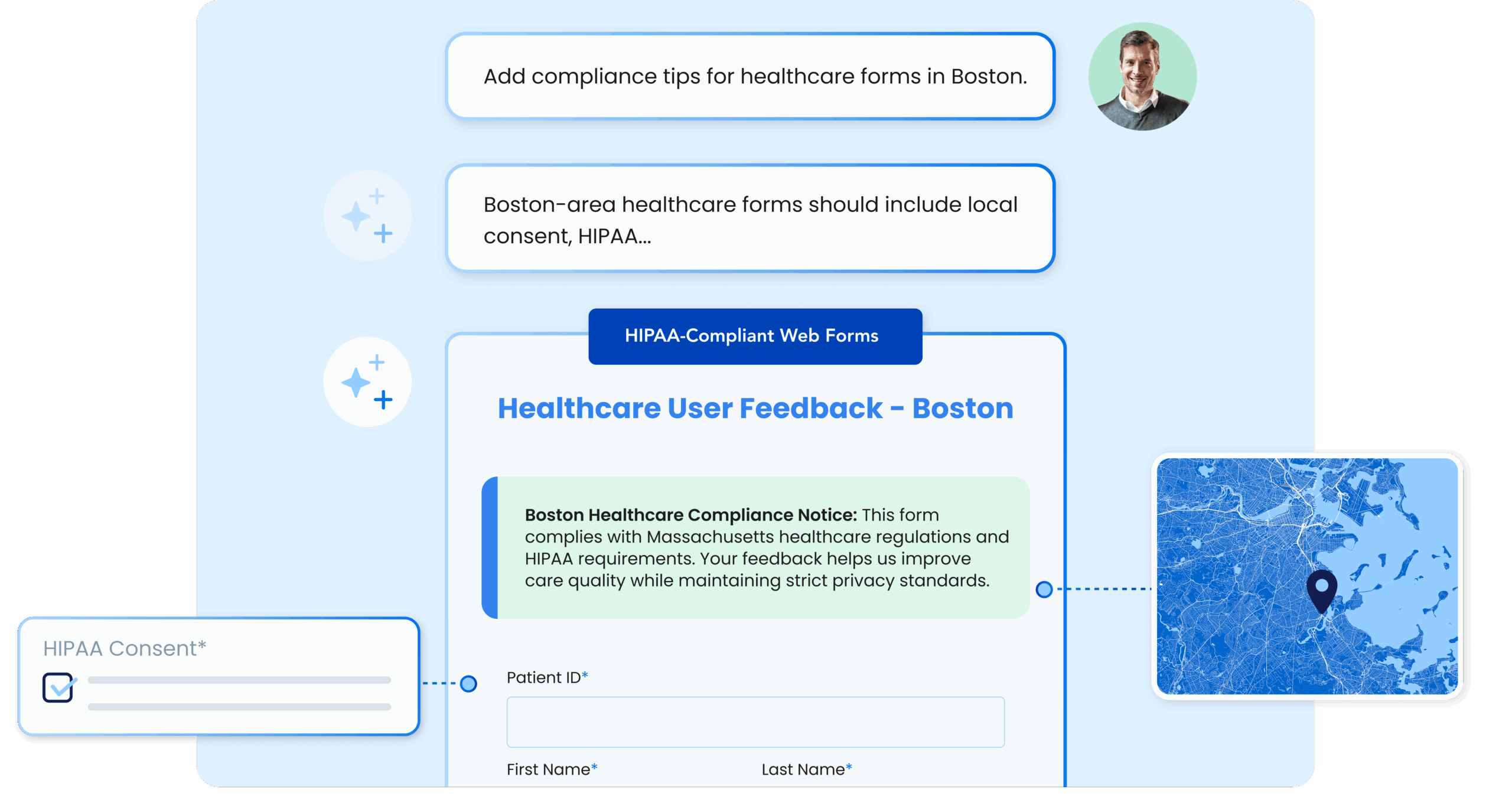
- Details: Field types, validation needs, logic rules, layout preferences, formatting, color palette, compliance notes. The more precise, the better.
- Context: Who the form is for, how it will be used, and where the data will go.
Together, these three elements ensure AI understands not just what you want, but why you want it.
Here’s an example of a prompt that lacks Action + Details + Context, and one that provides it:
- Strong prompt: “Simplify this feedback form: remove duplicates, merge contact details, and keep total questions under 10.”
- Weak prompt: “Fix this form.”
The strong prompt tells the AI what to do (simplify the form), provides it with details (remove duplicates, merge contact details, and keep total questions under 10), and gives it context (this is for a feedback form).
The weak prompt provides none of those things, and would result in a cluttered form with duplicate fields, inconsistent input types, and questionable relevance. The strong prompt is written in a way that will produce a streamlined form with an optimized flow.
Want to review more prompt examples? Download the Better Prompts, Better Outcomes eBook.
Why Clarity Matters for Data Quality
More than 80% of organizations report data accuracy and consistency problems. Many of these issues start long before data reaches a CRM or database – they begin during form setup.
Clear prompting at the beginning of the data collection and automation process helps teams:
- Avoid incorrect field types
- Prevent inconsistent naming conventions
- Standardize data structure
- Reduce validation errors
- Preserve compliance requirements
- Improve integration reliability
Better prompts lead to better data – period.
Refining Prompts: Best Practices
There are four practical methods for continuously improving prompt quality:
- Start with a Clear Direction: Set boundaries upfront. Include at least one constraint, such as number of pages or tone.
- Review Before You Rerun: When something looks off, identify what’s missing from the prompt rather than repeating the same prompt with different wording.
- Build in Layers: Break your request into steps. This prevents unintended changes and keeps you in control.
- Reuse What Works: Establish a library of strong prompts that you can use over and over again. Small adjustments can be made without starting over.
Here’s an example of a clear prompt: “Create an event registration form with name, email, phone, and a dropdown for session selection. Make it mobile-friendly.”
This is a prompt that could easily be kept for reuse – maybe you work for a nonprofit that runs many events throughout the year. You could keep a prompt like this on hand and adjust it as necessary – “Create a volunteer registration form for my event with…” or “Create an event registration form with dietary restrictions, name…”
A clear, simple prompt is a great starting point for additional prompts that might add layers of complexity or require unique details.
Where Atlas and Fai Make Prompting Easier
With Fai at its core, FormAssembly Atlas turns these prompting best practices into a guided workflow that you can use for forms big and small.
Fai doesn’t just take your prompt and generate a form – it interprets constraints, applies structure, and maintains downstream requirements automatically. This includes:
- Applying correct field types and validations
- Preserving consistent naming conventions
- Maintaining strict compliance settings
- Preparing integration-ready data for systems like Salesforce
- Ensuring routing rules and logic work together cleanly
Instead of trying to anticipate every detail yourself, Fai fills in the gaps while still giving you full control to adjust, refine, and validate every suggestion. In Atlas, every output is editable, optional, and designed to align with your intent. You set the direction – Fai helps you get there faster, without sacrificing data quality.
Get the full guide
Explore more prompt examples, refinement methods, and workflow strategies in the full eBook: Better Prompts, Better Outcomes.
Want to learn more about FormAssembly Atlas? Book a personalized demo or start a free trial today.