A demo request or contact form that creates a Salesforce lead is only half the job. The other half, getting that lead in front of the right salesperson fast enough to matter, is where most web-to-lead setups quietly fall apart. Speed to lead is one of the most well-documented predictors of conversion in sales research, and a lead that sits unassigned for hours because territory routing happens as a separate, manual step after form submission has already lost most of its value.
Why Territory Assignment and Follow-Up Need to Happen Together
Treating lead creation, territory assignment, and follow-up as three separate steps introduces delay at every handoff. A form that creates a generic lead record, which then waits for a routing rule to run, which then waits for a rep to notice it in their queue, can easily take hours to reach the person who should be responding, even though each individual step might only take minutes. The fix is not making each step faster in isolation, it is collapsing them into a single triggered sequence.
What This Looks Like When It Works
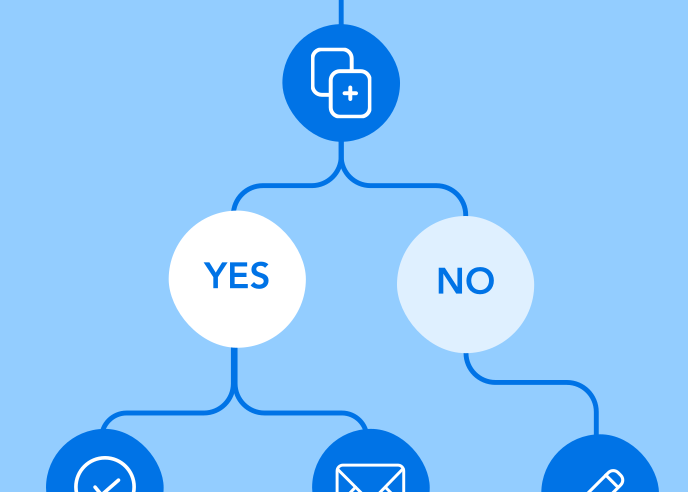
The form submission itself should determine territory assignment, based on fields like company size, region, or product interest, and assign the resulting lead directly to the correct account executive as part of the same transaction that creates the Salesforce record. A follow-up notification, whether an internal alert to the rep or an automated acknowledgment to the prospect, should fire immediately from that same trigger, not from a separate scheduled process that runs on a delay.
Where This Breaks Down Most Often
The most common failure point is a form tool that creates a generic lead without the data needed to route it correctly, forcing a separate Salesforce automation to guess at territory assignment after the fact, often incorrectly. The second most common failure is a routing rule that works but has no connected follow-up trigger, so the lead is correctly assigned but nobody is notified until the rep happens to check their queue.
Where FormAssembly Fits
FormAssembly forms can capture the specific data territory assignment depends on and write directly into Salesforce with that routing logic applied at the point of creation, rather than as a separate downstream process. Conditional logic can determine which fields matter for routing based on what the respondent submits, and the Salesforce Workflow Connector includes an option to assign new records using Salesforce’s active assignment rules at the moment of creation, so the lead reaches the correct owner without the delay a middleware-bridged integration would add.
For marketing and sales operations teams where speed to lead is the metric that matters, closing that gap between submission and assignment is the actual fix, not a faster version of the same disconnected steps.
See it for yourself
FormAssembly’s direct-to-Salesforce integration is unbeatable. See it in action today.